North Country Community College Bookstore
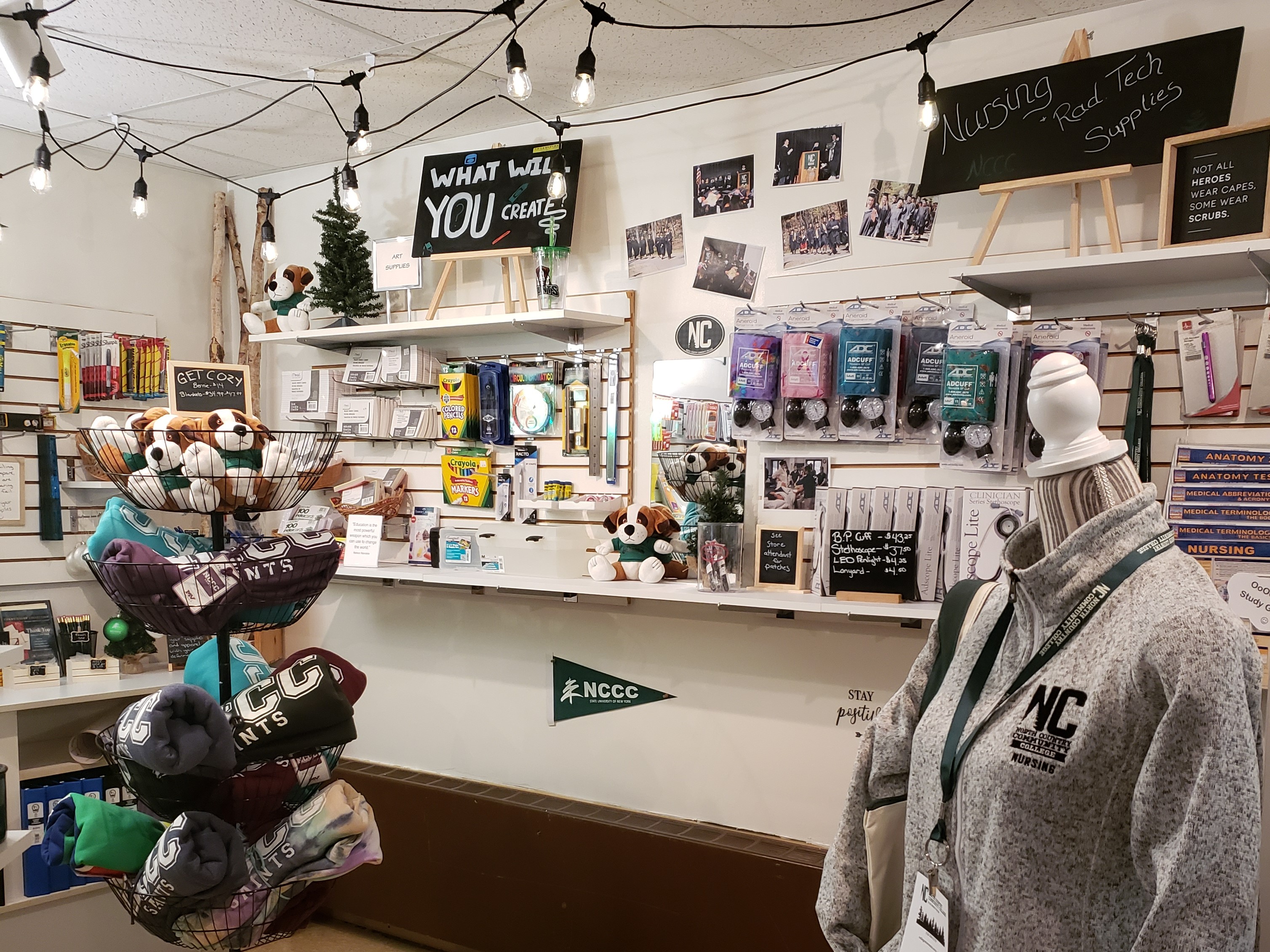
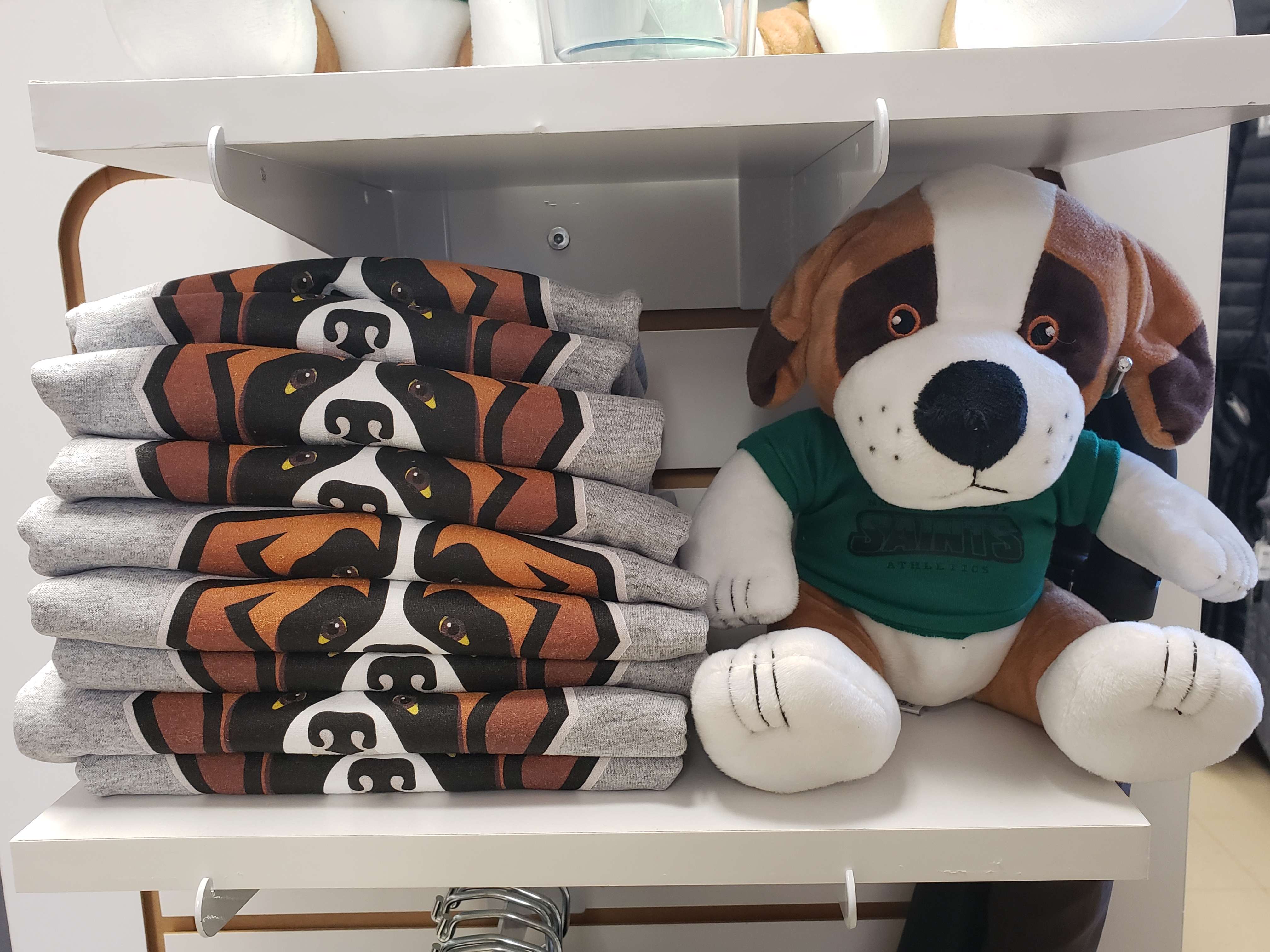
The North Country Community College Stores are here to help you get everything you need for the classroom while showing your Saints pride!
Visit us in person on the Saranac Lake and Malone campuses, or shop with us online. Our friendly team is ready to help with course materials, school and study supplies, North Country apparel, and more.
Have questions? Give us a call at 518-891-2915 ext. 1276. We’re happy to help!
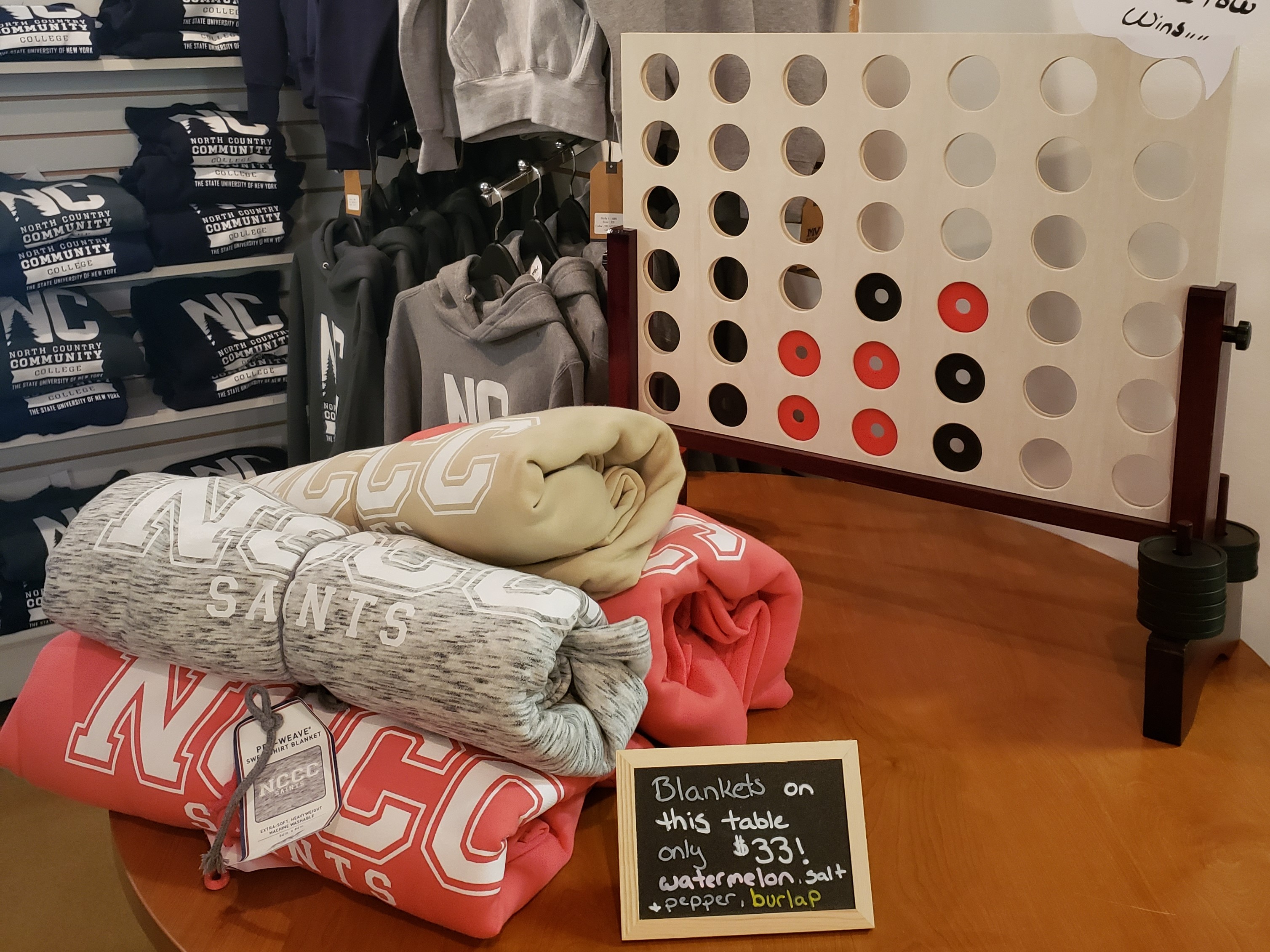
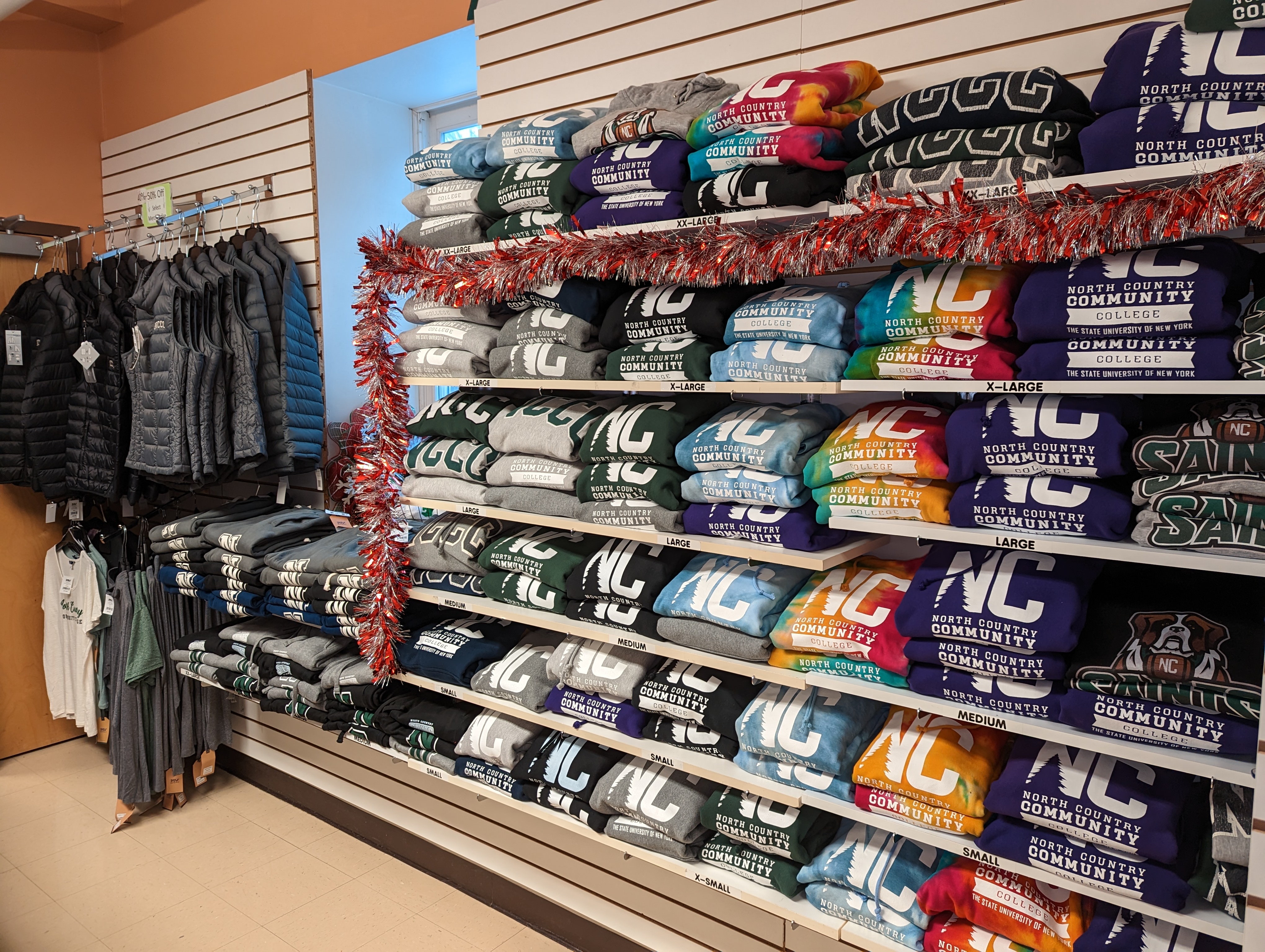
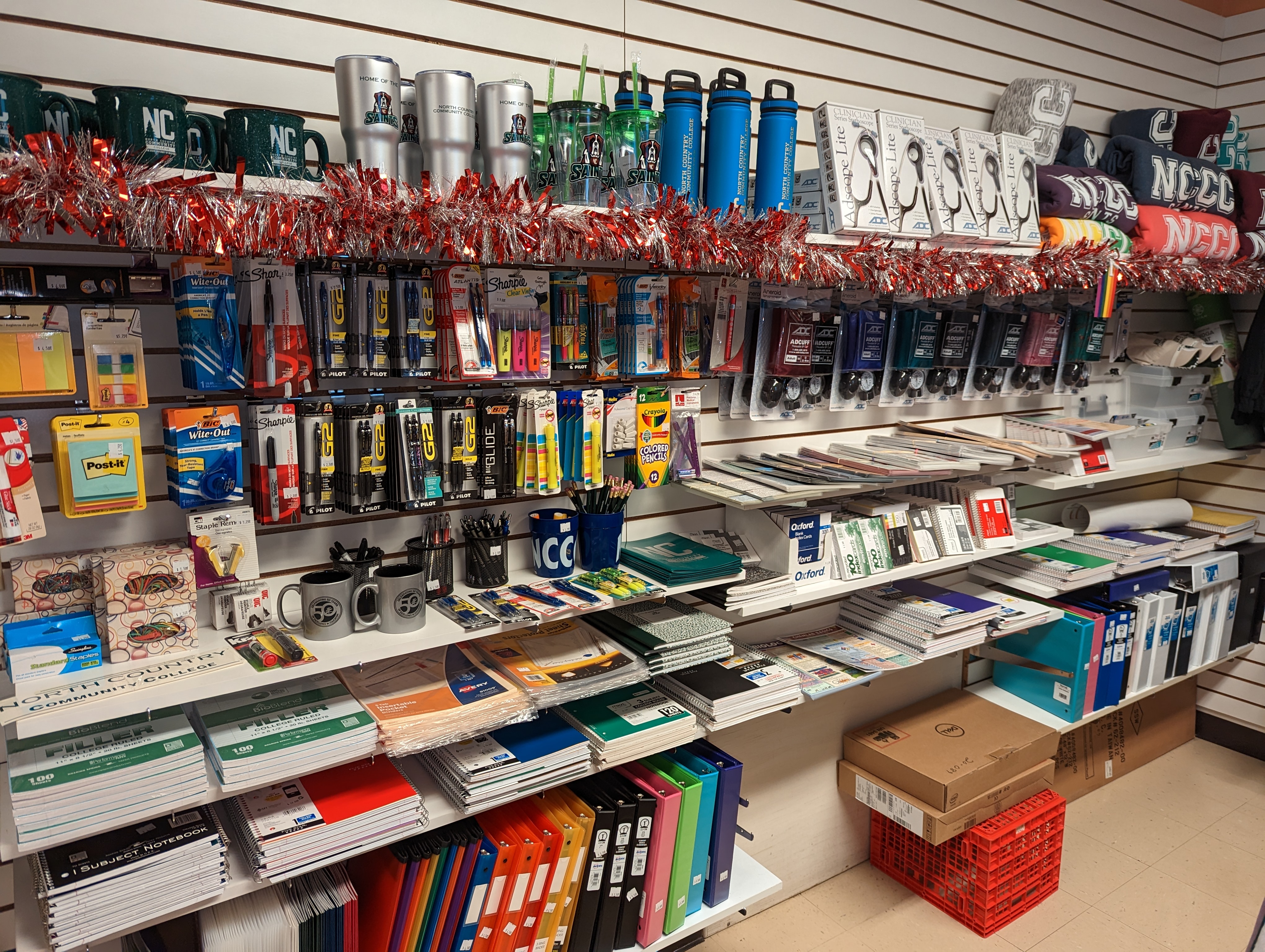
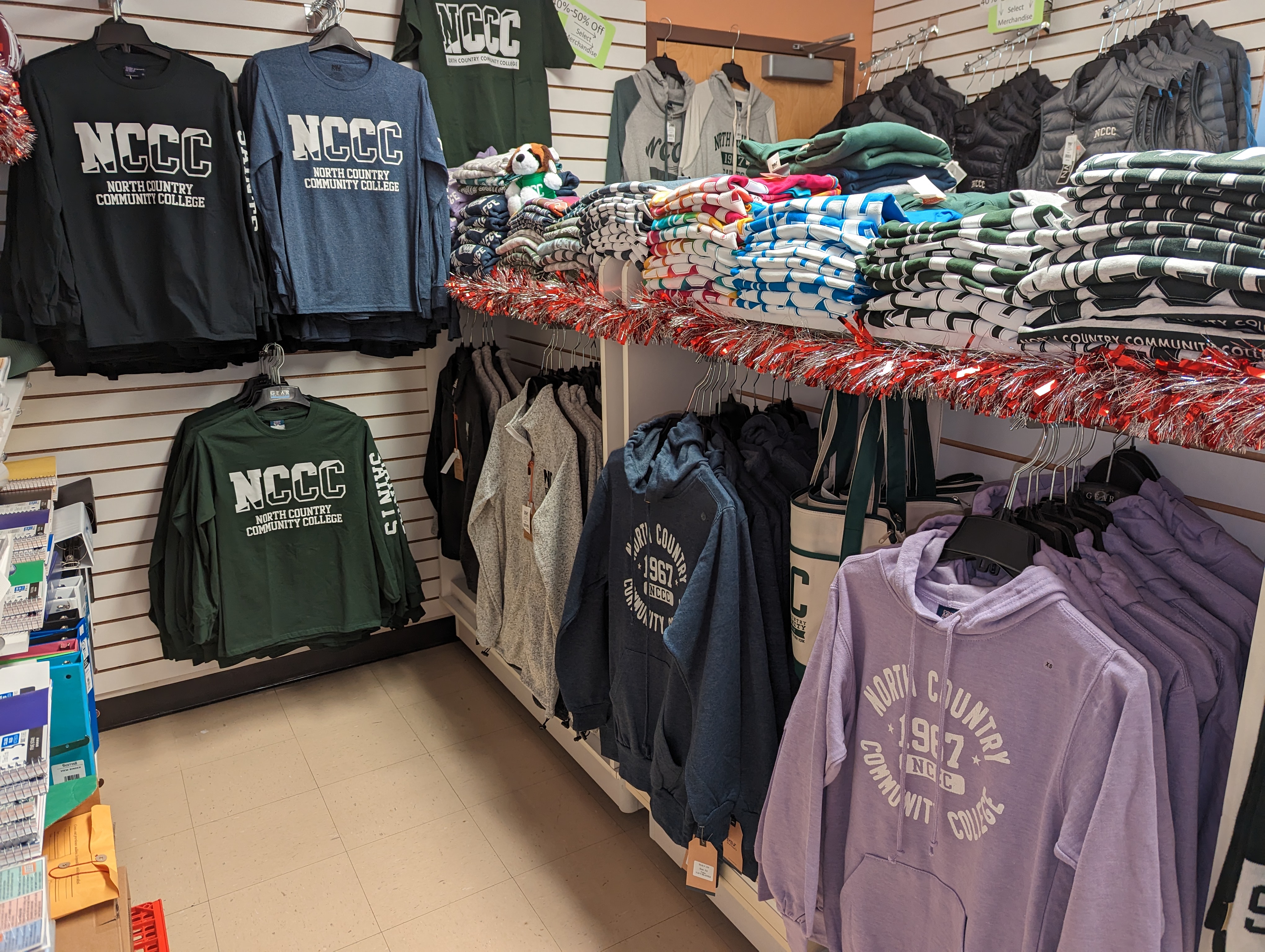
Browse our Textbook List by course and order your textbooks online!
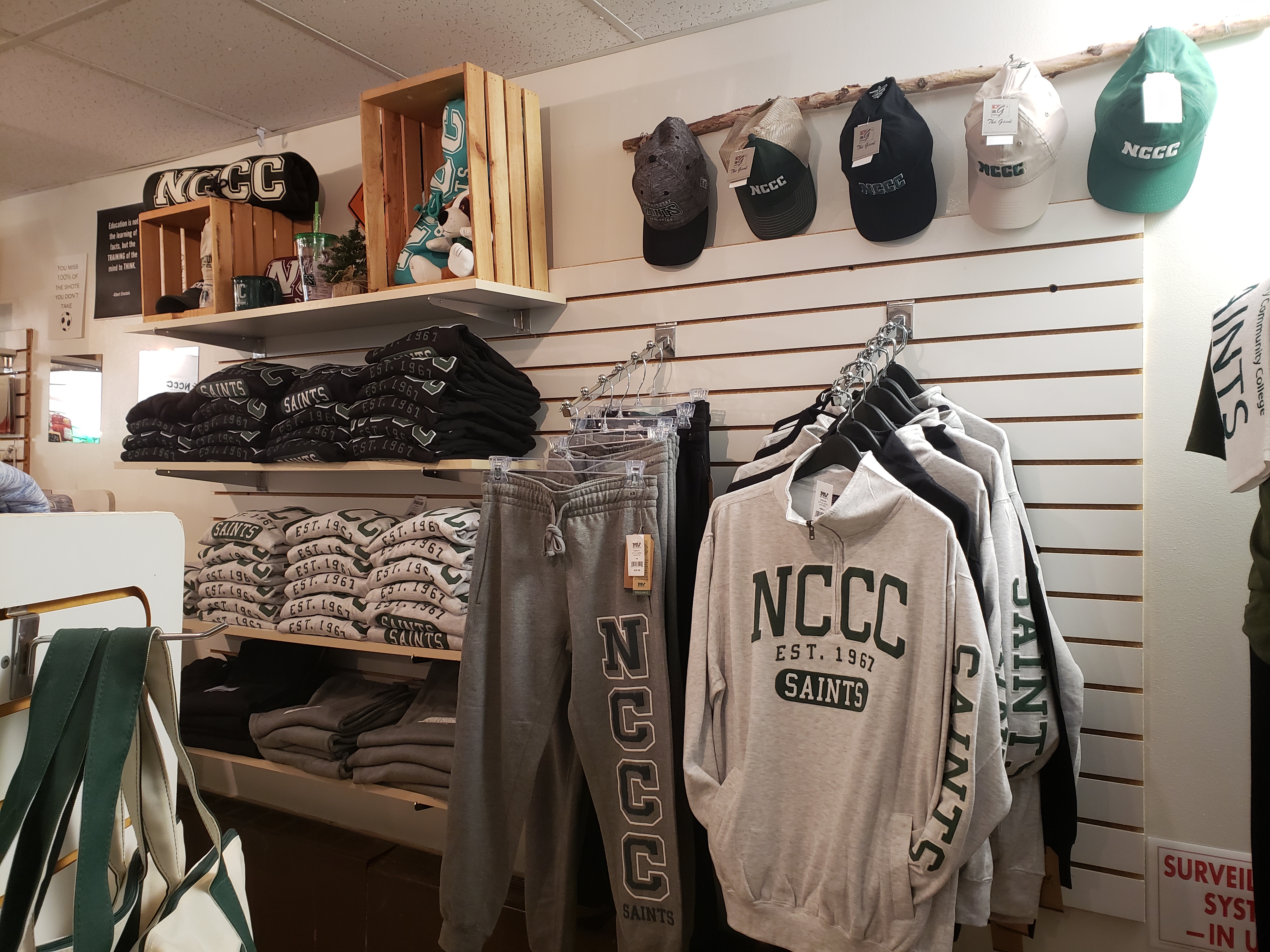
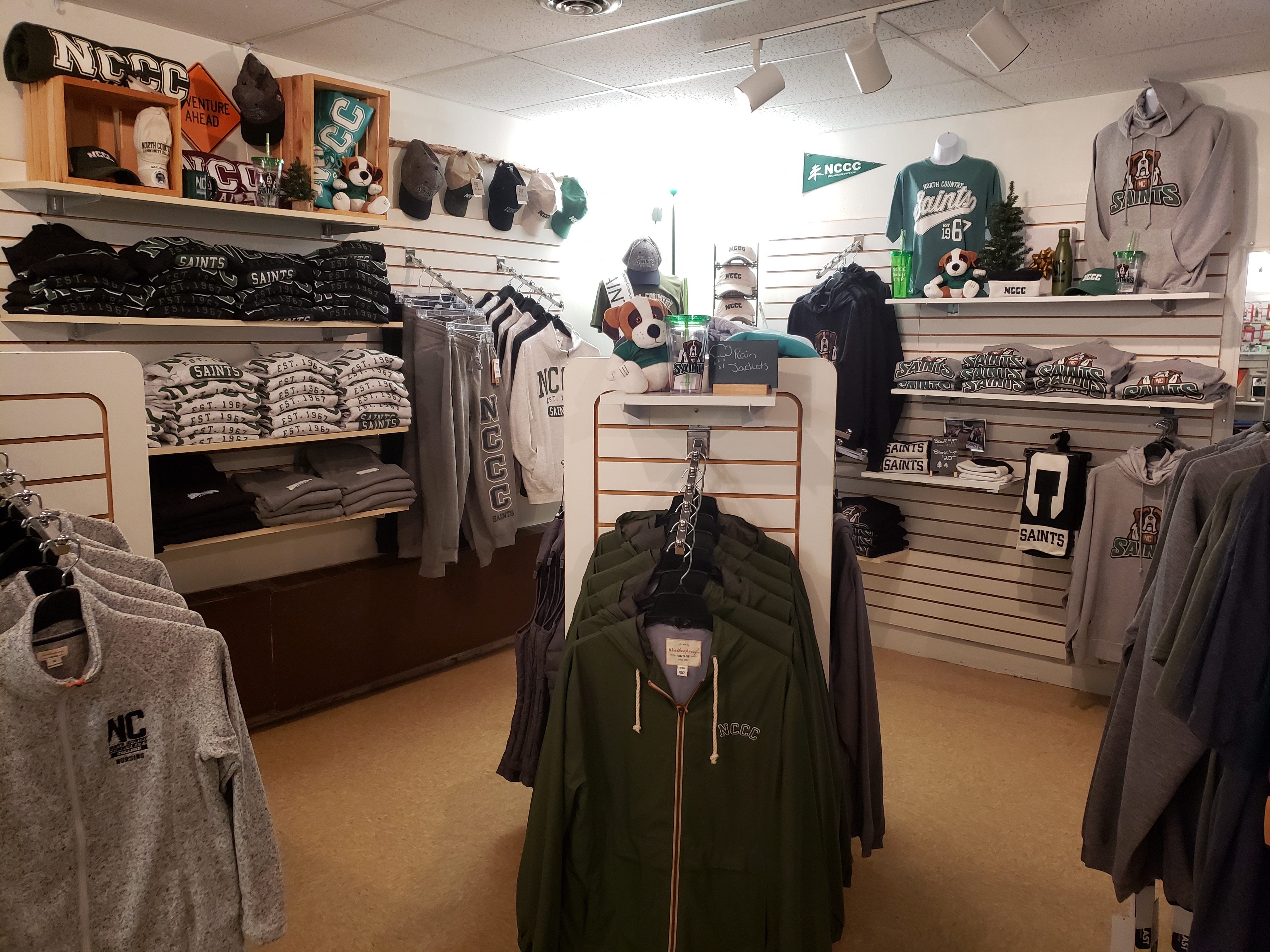
Shop for your favorite NCCC and SAINTS apparel and gifts!
FREQUENTLY ASKED QUESTIONS
Guide on How to Order Your Textbooks
Step 1: Go to: https://bookstore.nccc.edu/
Step 2: Scroll down until you see the heading Categories on the left-hand sidebar menu. Click on Textbook Lookup. If on your mobile device, click Menu to open the sidebar menu.
Step 3: Follow the prompts on your screen to find the textbooks for each of your courses this semester.
- Click on the current term listed (example - Spring 2023)
- Then Select a department (please refer to your course schedule, which you can obtain through the Student Portal, and the three letters for a particular course, such as BIO, ENG, BUS, etc.)
- Next, select the course number that follows the three letters for the course, such as 101, 104, 202, etc.)
- Be sure to pay attention to the section code on your course schedule (example Z or AA or HA) and the instructor’s name. Select the course that matches.
Step 4: Put your course materials into your Cart
- At this point you should see the course materials listed at the bottom of the page.
- Select what you want to buy (used or new) and then click on “Add/Update Items in Cart.”
Step 5: Click on “Continue Shopping” or “Checkout."
- If you need to put other course materials, supplies or NC apparel into your cart, then “continue shopping.”
- If you have everything you want in your cart, then go to “Checkout.”
- If you want to try to buy a computer from the College Store, click on the link for Computers in the left-hand sidebar and select one of the computers to add to your cart. Following Order Checkout you will be contacted by the NCCC Business Office for some other paperwork if you want to use your financial aid to pay for the computer, so watch for more information after you submit your order. See FAQ: "How do I order a laptop at the College Store?" for more information.
Step 6: To use your Financial Aid to pay for cart at checkout, simply select "Pay with Financial Aid."
- Students whose financial aid awards are greater than their tuition and fee charges are allowed to charge books and supplies to their bills rather than paying up front; up to an allowable amount determined by the College. This is called Book Deferment. All facets of the financial aid process must be completed for deferment and not all financial aid qualifies.
- See FAQ: "How do I use Financial Aid to purchase my textbooks" for more information.
Any further questions may be directed to collegestoremain@nccc.edu or collegestoreml@nccc.edu
If your financial aid award exceeds your tuition and fee charges, you may be eligible to use a portion of your remaining financial aid to purchase textbooks and other eligible course materials through the College Store. This is called Book Deferment.
To qualify, all required steps in the financial aid process must be complete. Not all types of financial aid are eligible for Book Deferment, and the amount available to each student is determined by the College.
Before purchasing your books, please check with the Business Office to confirm that you qualify and determine the amount available to you.
Eligible students are automatically added to the Book Deferment list provided to the College Store before book sales begin.
Once approved, you can purchase your course materials through the online College Store using your course schedule.
Students can purchase a Dell laptop through the College Store. We offer a variety of laptop models at different price points to meet a range of academic needs and budgets.
Browse our available laptops online and select the model that best fits your needs.
If you plan to use Financial Aid toward your laptop purchase, select “Pay with Financial Aid” at checkout. After you submit your order, a College Store staff member will contact you with the form needed to request approval to use Financial Aid for the purchase.
Financial Aid must be pre-approved by the Business Office and is subject to eligibility and available funds
Ticonderoga students can order textbooks and course materials through the online College Store and have their order delivered to the Ticonderoga Campus for pickup free of charge.
Place your order online and select the Ticonderoga Campus pickup option at checkout.
Fully online students can order textbooks and course materials through the online College Store and choose the delivery option that works best for them.
Orders can be picked up at an NCCC campus location or shipped directly to you via UPS. Simply select your preferred pickup or shipping option at checkout.